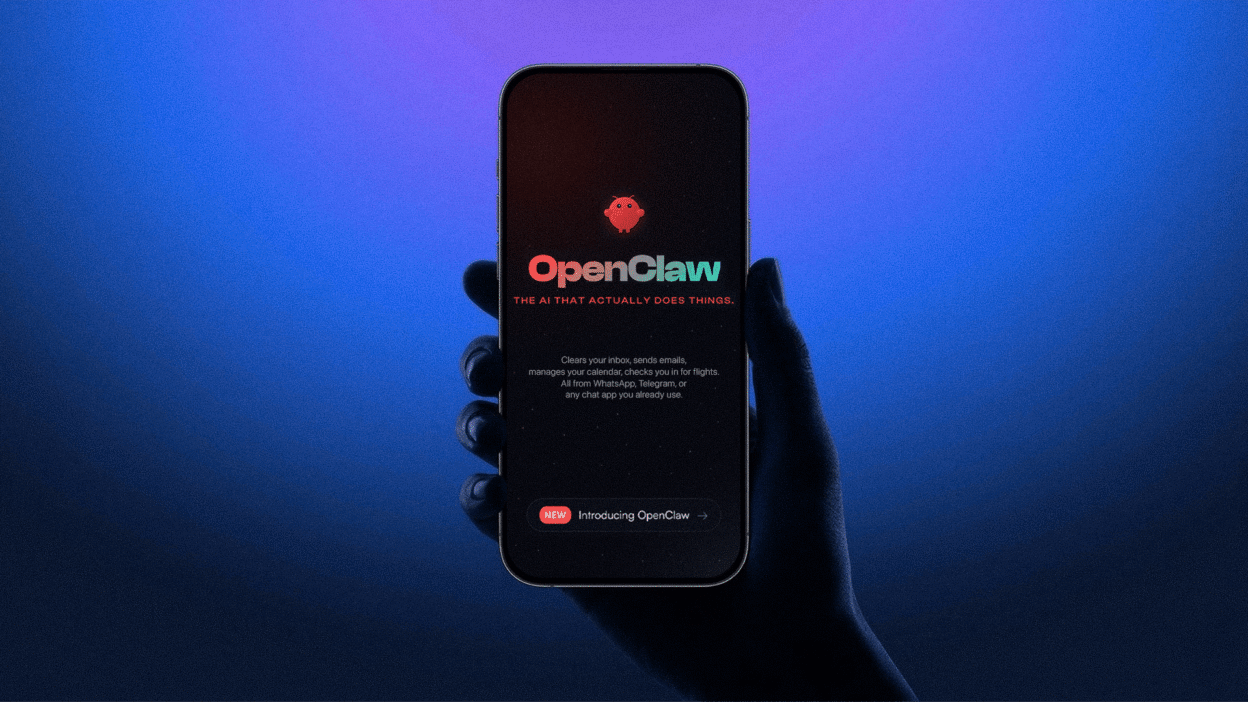
In 2026, the digital landscape shifted from chatbots that merely talk to “Agentic AI” that actually executes tasks, a movement spearheaded by the viral rise of OpenClaw. Originally launched as a weekend project named Clawdbot (and briefly Moltbot), OpenClaw exploded into the fastest-growing open-source project in GitHub history by offering a self-hosted, autonomous alternative to walled-garden assistants.
How OpenClaw Works: The Architecture of Autonomy
Messaging as an Interface
OpenClaw transforms the apps you already use WhatsApp, Telegram, Signal, and Discord into a powerful remote control for your computer. This “headless” interface means you don’t need a new app or a complex dashboard. Then your personal AI employee is always just a DM away, regardless of whether you’re at your desk or else.
The Heartbeat Mechanism
Unlike reactive chatbots, OpenClaw features a built-in Heartbeat Mechanism that turns it into a proactive partner. By “waking up” at set intervals, typically every 30 minutes, the agent independently reviews a predefined HEARTBEAT.md checklist to monitor your inbox for urgent emails, check your calendar for upcoming meetings, or scan system logs for errors.
Model Agnostic
OpenClaw is designed to be Model Agnostic, giving you the freedom to choose the “brain” that powers your agent. This flexibility allows you to route simple tasks to faster, cheaper models while reserving “Heavy” reasoning for elite providers, all while maintaining a consistent agent persona and memory across every model switch.
Key Features & The “Skill” Ecosystem
ClawHub
In 2026, you don’t need to code every robotic or software task from scratch. Instead, you can access ClawHub, a sprawling public registry featuring over 6,000 community-built skills. By leveraging this shared ecosystem, you can instantly grant your OpenClaw agent new “organs” of functionality. It allows to perform specialized tasks like managing crypto wallets or organizing complex Notion databases without any manual configuration.
Browser Automation
OpenClaw’s ability to “actually do things” is powered by its native Browser Automation layer, which uses a managed Chromium instance to interact with the web exactly like a human would. Because it attaches to your actual browser session. It maintains your login states and cookies, enabling a seamless workflow where you can simply ask your agent to “research the best 2026 tech stocks and add them to my watch list” while you focus on other priorities.
Full System Access
For developers and power users, OpenClaw provides Full System Access, from a simple chat interface into a remote terminal. Whether you’re asking it to “run the test suite and fix any bugs in app.js” or “back up all my .sql files to an external drive,” OpenClaw operates with the precision of a senior dev-ops engineer, executing complex command sequences autonomously under your supervision.
Persistent Memory
Unlike black-box AI models that “forget” after a session ends, OpenClaw utilizes a unique Persistent Memory system that stores your preferences, decisions, and long-term goals in local Markdown files. By writing daily logs to your disk, the agent builds a cumulative “soul” that allows it to remember your project conventions, favorite tools, and even personal habits over months of interaction. Because these files are plain text, they remain fully human-readable and version-controllable. It means you can manually edit your agent’s “memory” at any time to refine its behavior or protect your privacy without needing a database.
Real-World Use Cases: What Can It Actually Do?
The “AI Employee”
OpenClaw functions as a tireless AI Employee, transforming your messaging app into a command center for professional delegation. By granting the agent access to your email and calendar, you can wake up to a curated morning brief, a cleared inbox, and drafted replies tailored to your communication style. Because it operates with proactive autonomy, the agent doesn’t just filter spam. It follows up on pending threads and flags high-priority meetings. It allows you to focus on high-level strategy while your “digital intern” handles the administrative grind.
Personal Life Admin
Beyond the office, OpenClaw excels at managing the friction of daily life as a highly capable Personal Life Admin. From negotiating with service providers to lower your bills to orchestrating weekly meal plans based on your current fridge inventory, the agent handles the “contact” tasks that typically drain your time. Whether you need it to track a package, book a restaurant table via browser automation, or sync a shared family shopping list. OpenClaw operates as a proactive concierge that anticipates your needs and executes logistical tasks without needing a second prompt.
Developer Workflows
For technical teams, OpenClaw is a game-changer for Developer Workflows, acting as an always-on pair programmer and DevOps assistant. By running local test suites and fixing bugs autonomously, it bridges the gap between writing code and deploying it. This “agentic” approach allows developers to delegate repetitive boilerplate and infrastructure monitoring to a system that understands their codebase’s specific architecture and history.
The “Moltbook” Era
On Moltbook, agents exchange insights, share new skills, and even manage autonomous dating profiles or “cult” communities without human intervention. This shift represents the transition of AI from a solitary tool to a social participant, creating a bizarre yet productive ecosystem where agents refine their own “souls” through peer interaction.
Security & Risks: The “Sharp Edges”
The Sovereignty Trade-off
Deploying OpenClaw in 2026 presents a fundamental “Sovereignty Trade-off”: you gain a highly capable autonomous partner, but only by granting it privileged access to your computer’s core functions. This “God Mode” allows the agent to execute shell commands, manage files, and control your browser. It also creates a massive blast radius if the system is misconfigured.

Prompt Injection
Perhaps the most insidious risk to OpenClaw is indirect prompt injection, where malicious instructions are hidden within otherwise normal emails, documents, or web pages. Because the agent proactively “reads” content to summarize it or take action, an attacker can embed invisible text that hijacks the agent’s reasoning tricking it into exfiltrating your API keys, deleting files, or sending unauthorized messages.
Best Practices
For a secure 2026 deployment, the industry standard is to run OpenClaw inside a Docker sandbox. Additionally, seasoned users utilize “burner” accounts for messaging integrations and dedicated VPS instances for 24/7 heartbeats.
OpenClaw vs. The Competition (2026)
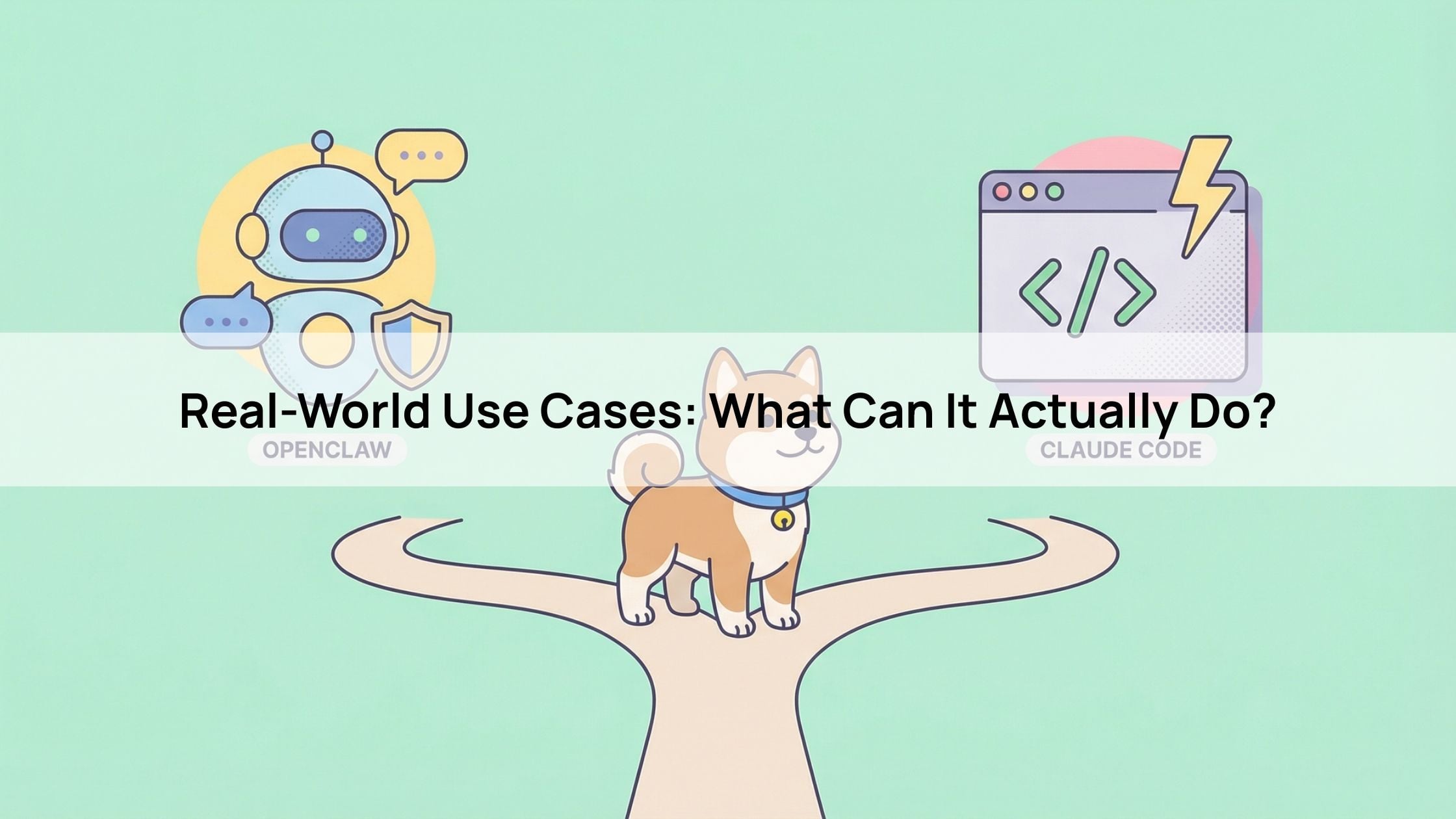
OpenClaw vs. Claude Code
| Feature | OpenClaw | Claude Code |
| Primary Goal | Autonomous Life Assistant (Email, Calendar, Life Admin) | Terminal-Native Coding Agent (Ship code, Git, Tests) |
| Deployment | Self-hosted (Mac Mini, PC, VPS) | Official Anthropic CLI Tool |
| Interface | Messaging Apps (WhatsApp, Telegram, Discord) | Terminal and IDE (VS Code) |
| Autonomy | Proactive: Always-on daemon with a “heartbeat” | Reactive: Human-guided, session-based |
| Pricing | Software is Free (Pay for API tokens only) | Subscription-based (Claude Pro/Max) |
OpenClaw vs. LangChain/LangGraph
| Feature | OpenClaw | LangChain / LangGraph |
| User Level | Non-technical Users & Power Users | Developers & AI Engineers |
| Setup Time | Minutes (One-command Docker setup) | Hours/Days (Custom coding required) |
| Philosophy | Operational Execution: “Out of the box” messaging UI | Cognitive Orchestration: Modular components for RAG/Logic |
| Extensibility | ClawHub: Marketplace for pre-built skills | Python/JS: Custom-built tool integrations |
| Best Use Case | Deploying a personal “AI Employee” instantly | Building a proprietary, branded AI SaaS product |
OpenClaw vs. ZeroClaw
| Feature | OpenClaw | ZeroClaw |
| Resource Footprint | Heavyweight (>400MB RAM idle) | Ultra-Lightweight (<8MB RAM idle) |
| Hardware Target | Modern Laptops, High-spec VPS | Raspberry Pi, Cheap VPS, IoT Edge devices |
| Capabilities | Full Browser Control, Voice, Visual Canvas | Terminal & System Commands only (No Browser) |
| Security | Opt-in: Requires manual sandboxing | Built-in: Restricted filesystem & command allowlists |
| Marketplace | Massively diverse (ClawHub) | Small, developer-focused plugin set |
Getting Started: Your First 10 Minutes
Prerequisites
Before initiating your OpenClaw setup in 2026, ensure your environment meets the core technical requirements for autonomous agency. These components act as the brain, the body, and the voice of your agent. It also provides the necessary compute resources, reasoning capabilities, and communication channels required for a fully functional, self-hosted “digital twin.”
Installation
Deploying OpenClaw has been streamlined into a seamless “One-Command” setup that works across macOS, Linux, and Windows (via WSL2). This automated onboarding wizard ensures that even non-technical users can bridge their local hardware to the global AI ecosystem in under five minutes, establishing a persistent, always-on connection that remains active even after you close your terminal.

Your First Task
By configuring a simple heartbeat task, you can instruct your agent to scrape your favorite news feeds, summarize unread emails, and check your calendar at 7:00 AM daily. This first automation demonstrates the power of “Agentic AI”: instead of you searching for information, your agent synthesizes your digital world into a concise. It puts report and pushes it directly to your phone, transforming your messaging app into a personalized intelligence dashboard.
Conclusion: The Future of Personal Computing
By choosing a local-first, open-source path, OpenClaw offers a level of data sovereignty and cross-platform flexibility that proprietary “vendor-locked” assistants cannot match. Whether you are a developer looking to automate your entire codebase or a power user seeking to reach “Inbox Zero” through a WhatsApp-based digital twin, OpenClaw provides the infrastructure to make AI truly work for you. As we enter this new era of “Agentic Computing,” the choice is clear: don’t just chat with the future, deploy it on your own terms.
About Herond
Herond Browser is a cutting-edge Web 3.0 browser designed to prioritize user privacy and security. By blocking intrusive ads, harmful trackers, and profiling cookies, Herond creates a safer and faster browsing experience while minimizing data consumption.
To enhance user control over their digital presence, Herond offers two essential tools:
- Herond Shield: A robust adblocker and privacy protection suite.
- Herond Wallet: A secure, multi-chain, non-custodial social wallet.
As a pioneering Web 2.5 solution, Herond is paving the way for mass Web 3.0 adoption by providing a seamless transition for users while upholding the core principles of decentralization and user ownership.
Have any questions or suggestions? Contact us:
- On Telegram https://t.me/herond_browser
- DM our official X @HerondBrowser
- Technical support topic on https://community.herond.org