What is Herond Wallet?
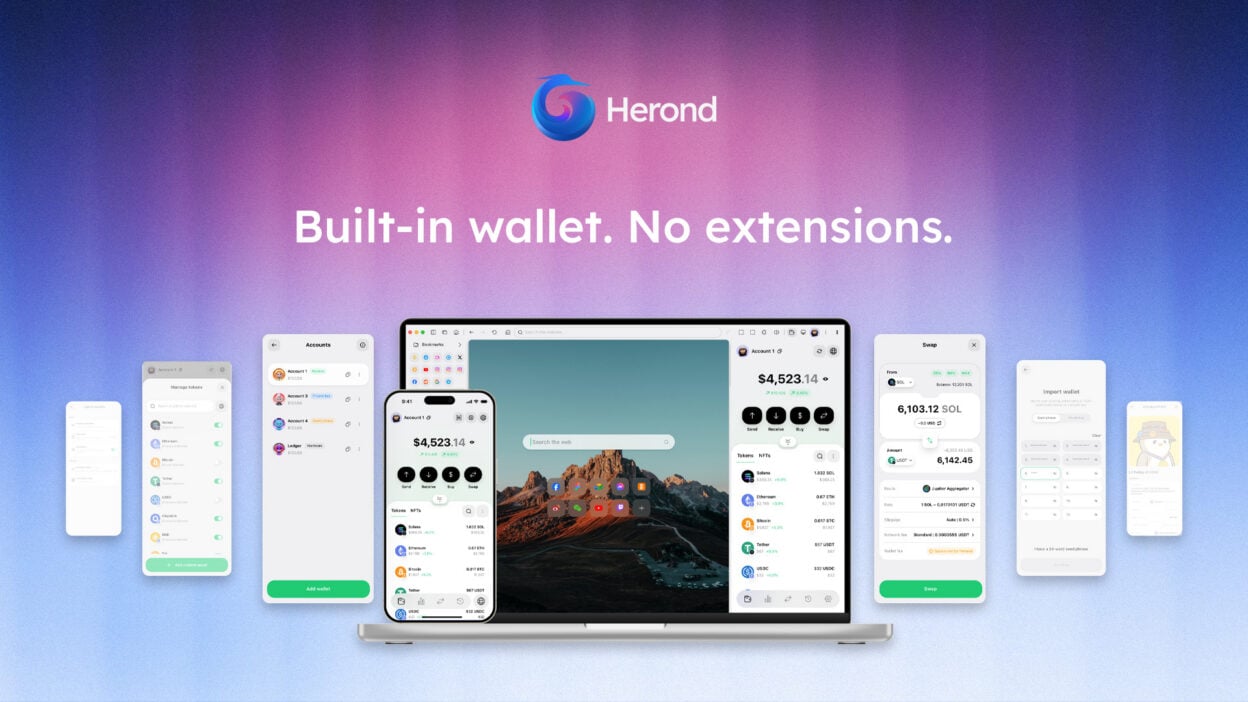
Herond Wallet is a multi-chain, non-custodial Web 3 Social Wallet for digital asset management. It is one of the two key products built into Herond Browser, enhancing accessibility and convenience for any user on any website.
The term “Web 3 Wallet” might sound familiar, but in case “Social Wallet” doesn’t ring a bell, here’s a simple definition: You can basically log in to your Web 3 wallet with email, Google account, or social media credentials.
Herond Wallet is a multi-party computational wallet that aims at being the “key” to a “keyless” future, as part of Herond’s Web 2.5 ecosystem. While it may sound technical, ultimately, we’re all about accelerating Web 3 and expanding accessibility to its benefits for more users. Hence, Herond Wallet is designed to simplify the onboarding process for the masses, making Web 3 easier to reach than ever before.
Read more about Herond Browser and how we build Web 2.5 in this article.
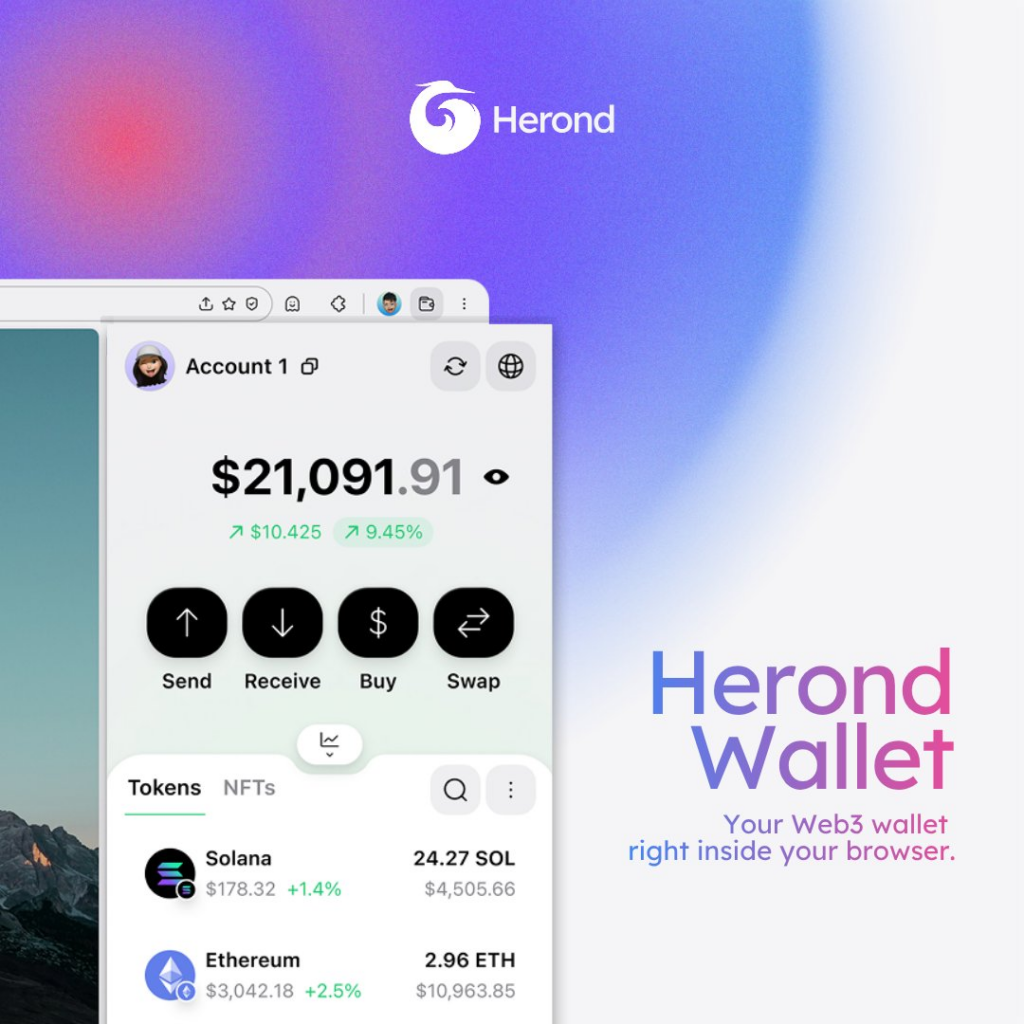
Why Herond Wallet?
Multiple Chains, All in One
Herond Wallet has integrated the most prominent EVM and non-EVM, both Layer 1 and Layer 2 blockchains in the market, including: Ethereum, BNB Smart Chain, Polygon, Avalanche C-Chain, Viction, Fantom, Base Network, Solana, Filecoin Mainnet, Arbitrum One, zkSync Era, Optimism, and more to come in the future.
You can add custom blockchains in less than 30 seconds, connect to any Web 3 project, and store, send, receive and swap coins, tokens and NFTs with Herond Wallet.
Your Keys, your Coins
Herond Wallet is a non-custodial wallet: the keys always belong to you, even if you choose to log in with social credentials. You can create a new wallet, or import existing wallets with seed phrases and private keys as usual. As long as you keep your keys or security questions safe, nobody can ever steal your funds.
Reduced Risks of Hacks
In simple terms, if you can’t reduce the number of hackers, the best way to enhance your security is to increase the difficulty of hacking your wallets. Herond Wallet is a Multi-Party Computation (MPC) Wallet, meaning:
- Your Private Keys will be divided into multiple parts, decentralized and independently held by multiple parties, each blind to another;
- When the key is needed, MPC is required to confirm that all parties (or a certain number of parties) approve the request before it is executed;
- Now, if an attacker targets your wallet, they need to attack these different parties, across different locations, all simultaneously. Sounds like a burden, isn’t it?
- This also ensures that no single party will have the control over your wallet, unless you allow them to.
Read more about MPC Wallets here.
A Key-less Future
Aren’t you tired of all the seed phrases and private keys you have to keep?
And think about the risks when storing your keys somewhere: forgetting where you left them, getting stolen, etc.
Free yourself from all these burdens and let Herond do the rest!
When you create a Herond Wallet, it automatically syncs with your Herond Account. Take your wallets wherever you go, on any device, just by logging in to Herond.
Sounds ideal? Follow the guidelines below to create your Herond Wallet today.
How to create a Herond Wallet?
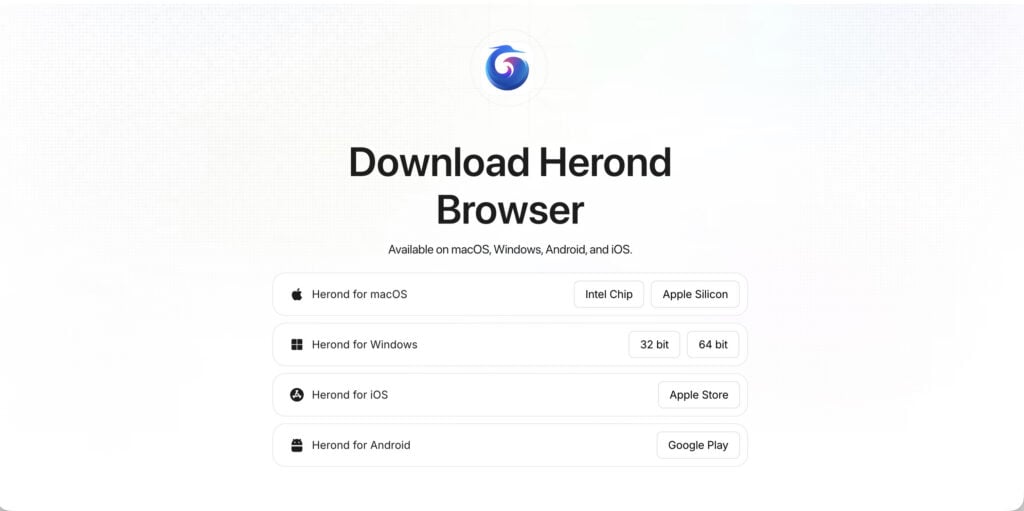
Download Herond Browser
1. Go to https://www.herond.org;
2. Click Download Herond, then wait for the download to complete;
3. Open the file and follow the installation instructions on your device;
4. Add Herond Browser to Dock (MacOS) or Desktop (Windows) for easy access, then start surfing!
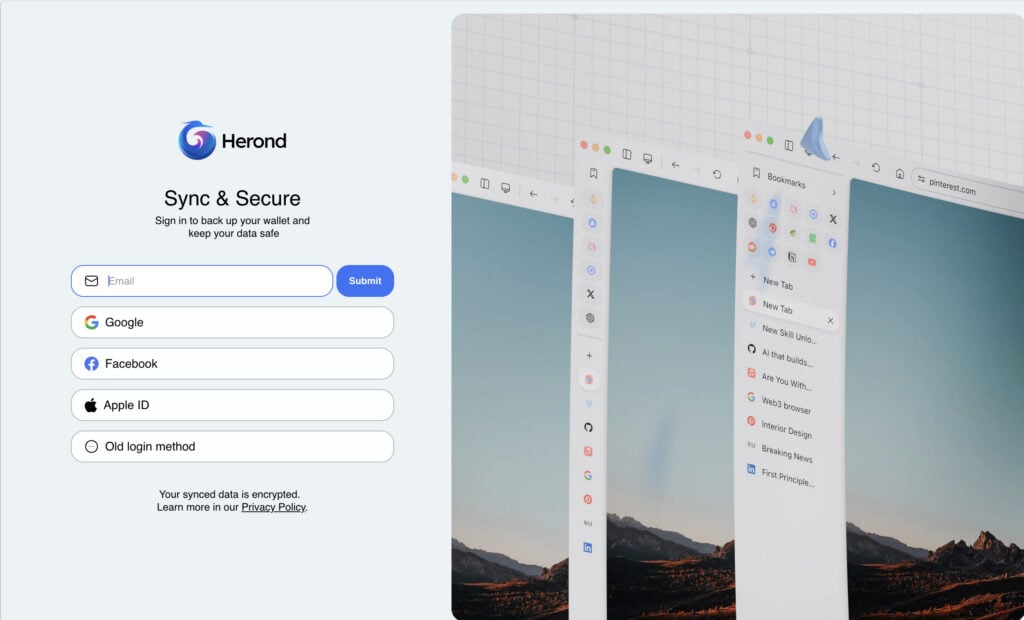
Log in to your Herond Account
You need a Herond Account before creating a new wallet. The login window will automatically appear when you first open Herond Browser. You can also import your existing profiles from previous browsers to keep all current settings, bookmarks, and more.
Create & set up a new Herond Wallet
To get the most out of Herond Wallet’s benefits, you need to create a new wallet before importing existing wallets with your Private Keys.
Step 1: Click the Herond Wallet icon on the Toolbar, then click Login to Herond.
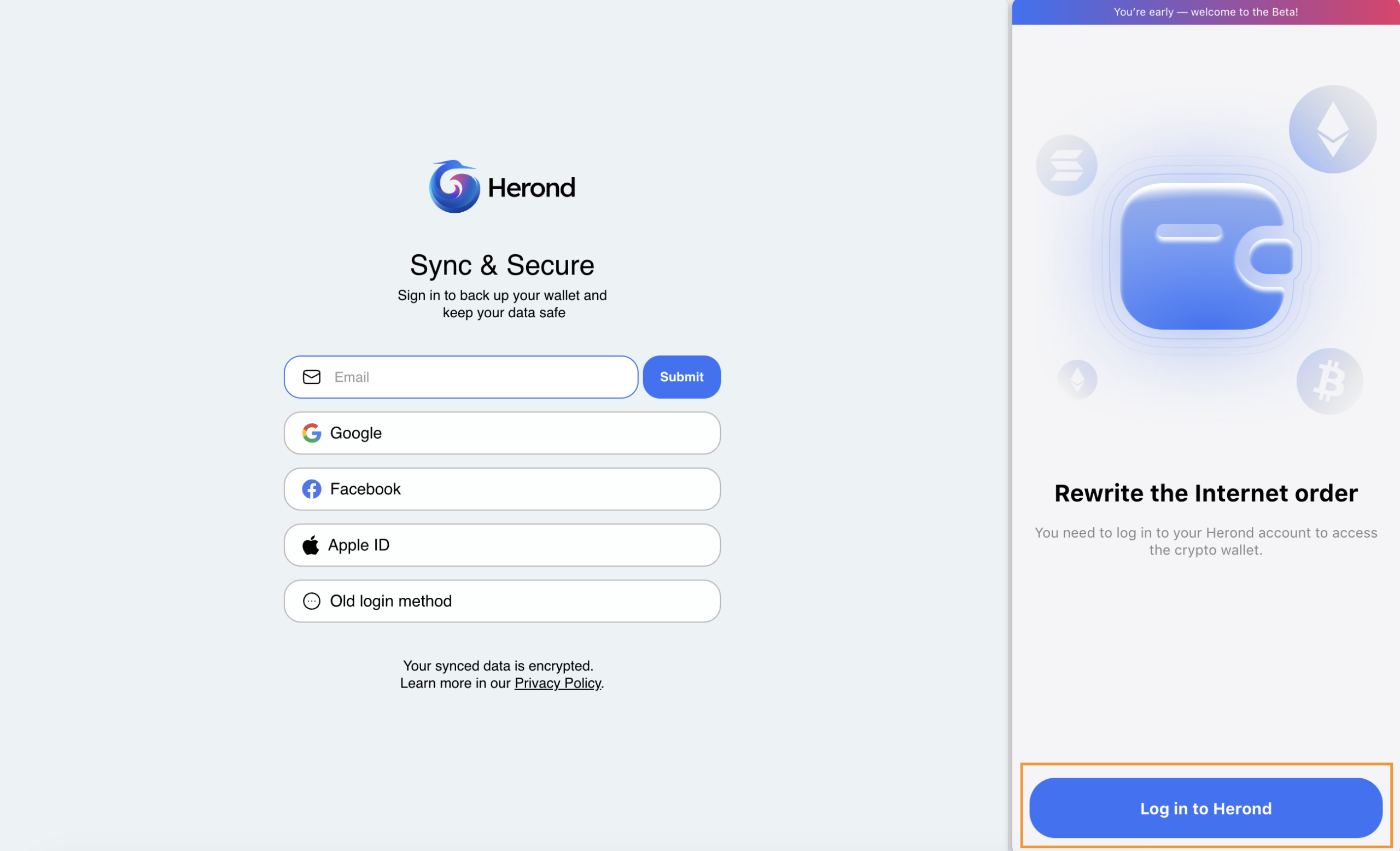
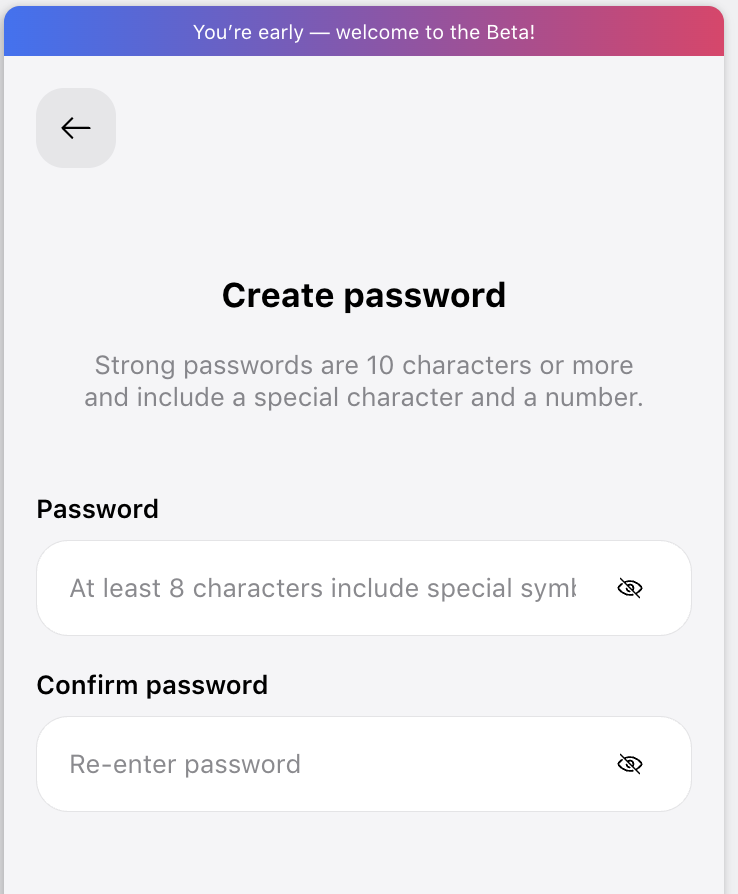
Step 2: Create your own password, with a minimum of 8 characters, including 1 special character and 1 number.
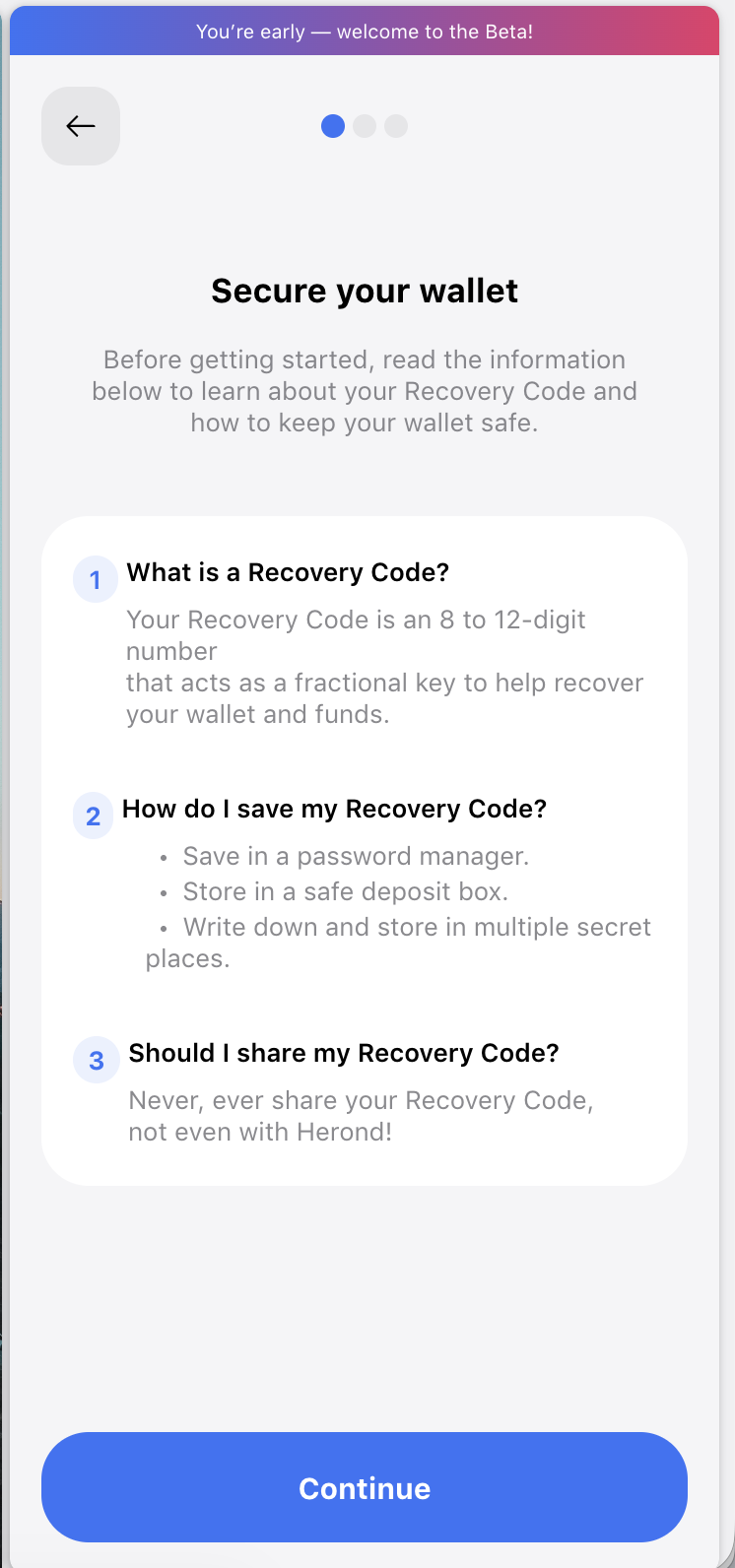
Step 3: Set up your recovery code to secure your wallet as instruction.
And voilà, your Herond Wallet is now ready to serve.
- Importing your Existing Wallet into Herond Browser with 5 Easy Steps
- How to Create a Backup Code for Herond Wallet
- Instant Token Swaps with Herond Keyless Wallet
- 7-Step Guide: Buy Crypto Directly into your Herond Keyless Wallet
- How to Create a Herond Keyless Wallet in 4 Simple Steps
- How to Hide Balance on Herond Wallet
- Add Name & Avatar to Your Herond Keyless Wallet
Start your Web3 journey safely and conveniently with Herond today, and stay tuned for more exciting news, updates, guidelines and security tips in our future articles!
About Herond Browser
Herond Browser is a Web browser that prioritizes users’ privacy by blocking ads and cookie trackers, while offering fast browsing speed and low bandwidth consumption. Herond Browser features two built-in key products:
- Herond Shield: an adblock and privacy protection tool;
- Herond Wallet: a multi-chain, non-custodial social wallet.
Herond aims to become the ultimate Web 2.5 solution that sets the ground to further accelerate the growth of Web 3.0, heading towards the future of mass adoption.
Join our Community!