The era of the “chatbot” is over. We are witnessing a fundamental shift: the transition from AI as a reactive conversationalist to AI as an active teammate. Released in early 2026, Claude Cowork is a groundbreaking agentic desktop tool that acts on your behalf. Unlike standard chat interfaces that only provide text, Claude Cowork navigates your local environment to execute multi-step workflows, from organizing complex file systems to syncing cross-platform data autonomously. It doesn’t just suggest the work; it completes it.
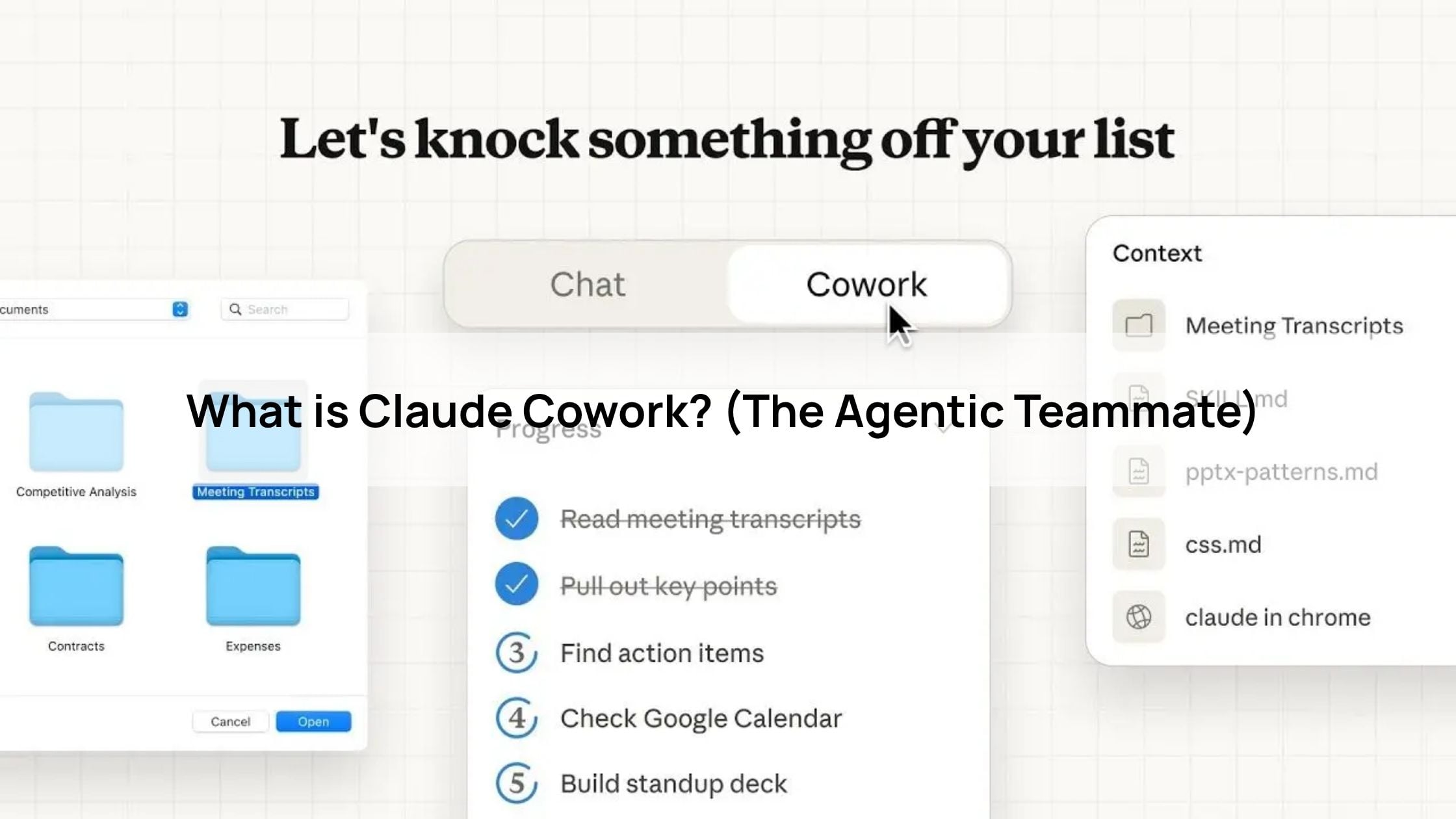
What is Claude Cowork? (The Agentic Teammate)
The true innovation of Claude Cowork lies within its dedicated “Cowork” tab in the desktop app, a workspace where conversation turns into action. This tab represents a leap in agentic capabilities, moving beyond the limitations of a browser window to interact directly with your local environment.
By utilizing secure sandboxing, Claude Cowork can access specific folders and local files safely, ensuring your broader system remains protected while the AI works. This allows it to execute complex, multi-step workflows that were previously manual, such as batch-converting 50 Word documents to PDF or organizing months of messy project files in one go.
Furthermore, Claude doesn’t work in isolation; it can interact with other desktop apps to bridge data between your tools. To ensure total safety, the system is built with a “Human-in-the-loop” philosophy. Claude is programmed to ask for explicit permission before taking any critical action, like deleting, moving, or sending files—keeping you firmly in control of your digital workspace.
3 Pillars of the “New Standard” in Teamwork
Pillar 1: Persistent Context (Projects)
Modern teams use Claude Projects to build a “shared brain” for every initiative. By leveraging a massive 200k+ token context window, teams can upload an entire ecosystem of knowledge into a single project space.
- Centralized Knowledge: Instead of repeatedly prompting the AI with background info, you upload technical documentation, brand style guides, and past project history once.
- Team Alignment: Every team member interacting with that project benefits from the same “memory,” ensuring that Claude’s suggestions remain consistent with established company standards and technical requirements.
Pillar 2: Real-time Co-creation (Artifacts)
The Artifacts side-panel has redefined the speed of prototyping. It moves the output out of the chat transcript and into a dedicated, live workspace.
- Instant Iteration: Whether it’s a React dashboard, a Python script, or a marketing landing page, the Artifacts window allows the team to view and edit the code or content instantly.
- Visual Feedback Loop: Teams can see a live preview of the UI/UX as Claude builds it, allowing for real-time adjustments that eliminate the “back-and-forth” typical of traditional development cycles.
Pillar 2: Real-time Co-creation (Artifacts)
The Artifacts side-panel has redefined the speed of prototyping. It moves the output out of the chat transcript and into a dedicated, live workspace.
- Instant Iteration: Whether it’s a React dashboard, a Python script, or a marketing landing page, the Artifacts window allows the team to view and edit the code or content instantly.
- Visual Feedback Loop: Teams can see a live preview of the UI/UX as Claude builds it, allowing for real-time adjustments that eliminate the “back-and-forth” typical of traditional development cycles.
Use Cases: Claude Cowork in a Team Setting
Marketing Teams: Asset Management & Distribution
Marketing departments often drown in the “production” phase of a campaign. Claude Cowork acts as a digital production assistant.
- The Workflow: Instead of a designer manually cropping banners for Instagram, X, and LinkedIn, they point Claude to a folder of raw assets.
- The Execution: Claude identifies the focal point of an image, resizes it for ten different social platforms, and sorts the hundreds of resulting files into organized folders based on campaign name and date.
- Result: What used to take a junior marketer an entire afternoon is now completed in minutes, allowing the team to focus on brand storytelling rather than file formatting.
Dev Teams: “Claude Code” & Repository Refactoring
For developers, the integration of Claude Code within the Cowork environment allows for “agentic coding” that spans multiple files and directories.
- The Workflow: A developer can issue a high-level command: “Refactor our authentication logic to use the new API standard across the entire repository.”
- The Execution: Claude doesn’t just suggest the code; it navigates the shared repository, identifies every instance of the old logic, and applies the refactor while maintaining consistent naming conventions and passing local linting tests.
- Result: It handles the “grunt work” of code maintenance, letting engineers focus on architecture and complex problem-solving.
Operations: Data Synthesis & Internal Reporting
Operations teams are the “connective tissue” of a company, often spending hours moving data between uncooperative systems.
- The Workflow: An operations manager points Claude Cowork to a series of “messy” CSV exports from various sales tools.
- The Execution: Claude cleans the data, identifies key performance trends, and creates a formatted executive summary. It then prepares a draft message for the company Slack channel, complete with bulleted insights and a link to the cleaned-up spreadsheet.
- Result: The “time-to-insight” is slashed, allowing leadership to make data-driven decisions based on real-time information rather than week-old reports.
Claude Cowork vs. Legacy Tools
| Feature | Traditional Tools (Notion/Confluence) | Basic AI (ChatGPT Teams) | Claude Cowork (2026) |
| Primary Role | Knowledge Storage | Conversational Assistant | Agentic Teammate |
| Information Handling | Static: You write it, and it sits there until someone reads it. | Reactive: It reads your data only when you prompt it. | Proactive: It uses “Persistent Context” to apply your docs to real-world tasks. |
| Action Level | Zero: You must manually update pages and move files. | Low: It “responds” with text or code you must copy-paste. | High: It “executes” multi-step workflows directly on your desktop. |
| Integration | Manual linking between docs and tasks. | Browser-based; disconnected from your local file system. | Native: Securely interacts with your local folders and desktop apps. |
| Workflow | Document-Centric: Focuses on maintaining a record. | Chat-Centric: Focuses on answering questions. | Action-Centric: Focuses on completing the “to-do” list. |
How to Get Started with Claude Cowork
Subscription Tiers: Choosing Your Plan
Claude Cowork requires a paid subscription. In 2026, the pricing structure is designed to scale with your team’s needs:
- Claude Pro ($20/month): Best for solo professionals and “power users.” This plan includes access to the Claude Desktop app and the Cowork tab, with 5x more usage than the Free tier.
- Claude Team ($25/user/month): Designed for organizations, this plan is billed annually (typically $30/month if billed monthly). It offers higher usage limits, admin consoles for seat management, and the ability to create shared “Projects” that act as a central knowledge base for the whole team.

3-Step Setup Guide
Setting up your “AI co-worker” takes less than five minutes. While Cowork initially launched for macOS, it is now available for Windows (x64) as well.
Step 1: Download the Desktop App
Visit claude.ai/download and install the version for your operating system. Cowork is a desktop-exclusive feature because it requires local system permissions that a standard web browser cannot access.
Step 2: Select Your Workspace Folder
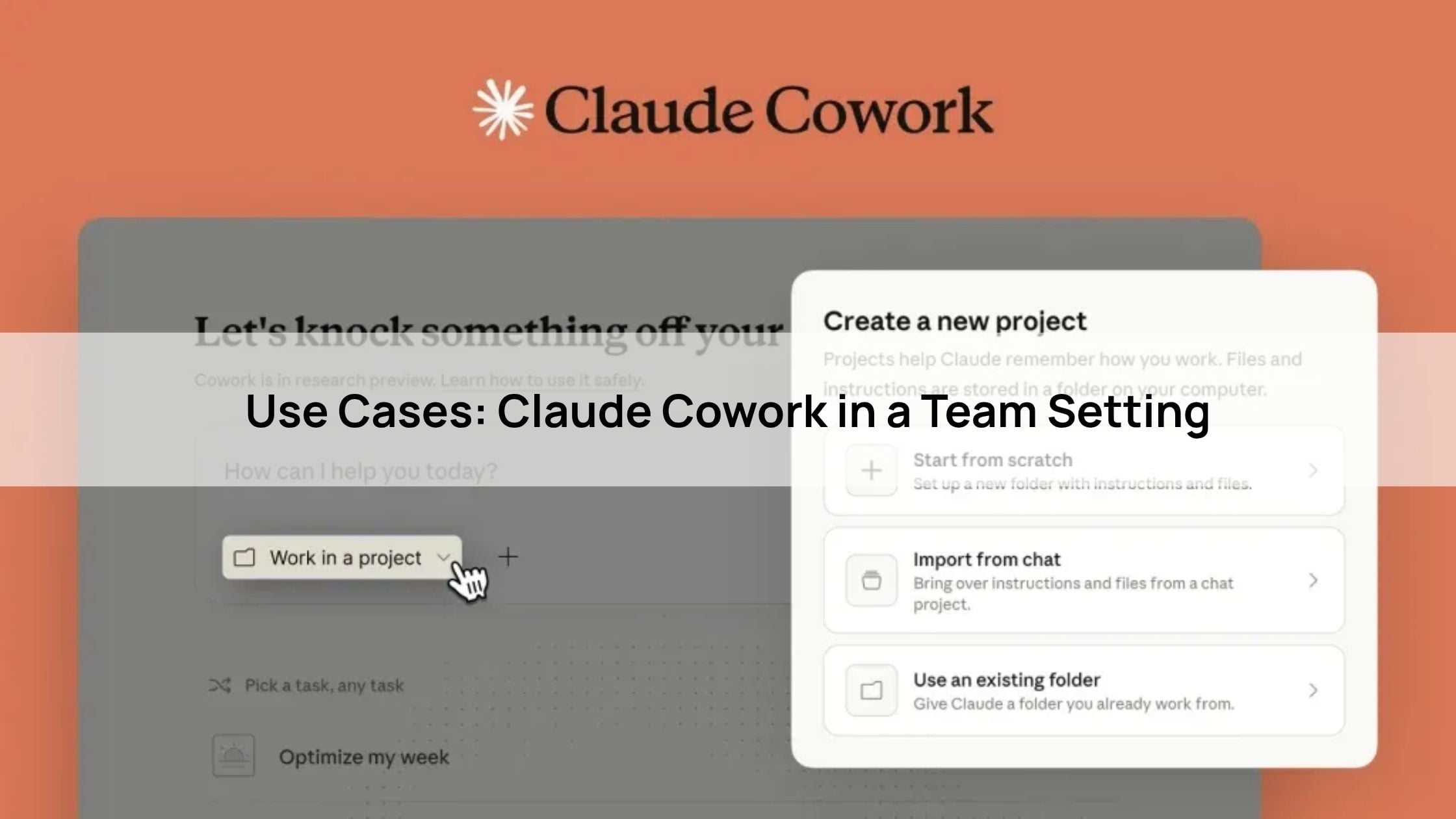
Once you log in, click the “Cowork” tab at the top of the app (located between Chat and Code). Claude will prompt you to select a specific folder.
- Pro Tip: Create a dedicated folder (e.g.,
~/Claude-Work/) rather than granting access to your entire Documents directory. This creates a secure “sandbox” where Claude can read and write files safely.
Step 3: Issue Your First “Cowork” Command
Type your task into the prompt bar. For example: “Organize all the messy spreadsheets in this folder by date and create a summary PDF.” * Claude will first generate an Execution Plan.
- Review the plan and click “Approve.” * Claude will then begin working autonomously. You can minimize the app and continue other work, just keep the app open to let the task complete!
Conclusion
The introduction of Claude Cowork in early 2026 marks a definitive turning point in the AI era. We have officially moved past the “chatbot” phase and into the age of the AI Agent. By bridging the gap between persistent context (Projects), real-time creation (Artifacts), and autonomous action (Cowork), Anthropic has redefined what it means to work as a team.
The new standard for productivity is no longer about how well you can write a prompt, but how effectively you can delegate to an agent. As Claude Cowork continues to evolve from its research preview into a mainstay of the professional desktop, the competitive advantage will go to those who stop treating AI as a tool and start treating it as a colleague.
About Herond
Herond Browser is a cutting-edge Web 3.0 browser designed to prioritize user privacy and security. By blocking intrusive ads, harmful trackers, and profiling cookies, Herond creates a safer and faster browsing experience while minimizing data consumption.
To enhance user control over their digital presence, Herond offers two essential tools:
- Herond Shield: A robust adblocker and privacy protection suite.
- Herond Wallet: A secure, multi-chain, non-custodial social wallet.
As a pioneering Web 2.5 solution, Herond is paving the way for mass Web 3.0 adoption by providing a seamless transition for users while upholding the core principles of decentralization and user ownership.
Have any questions or suggestions? Contact us:
- On Telegram https://t.me/herond_browser
- DM our official X @HerondBrowser
- Technical support topic on https://community.herond.org